
DATEV Integration for Invoice Workflows
A practical guide to connecting invoice capture, validation, approvals, posting data, and document evidence with DATEV workflows.

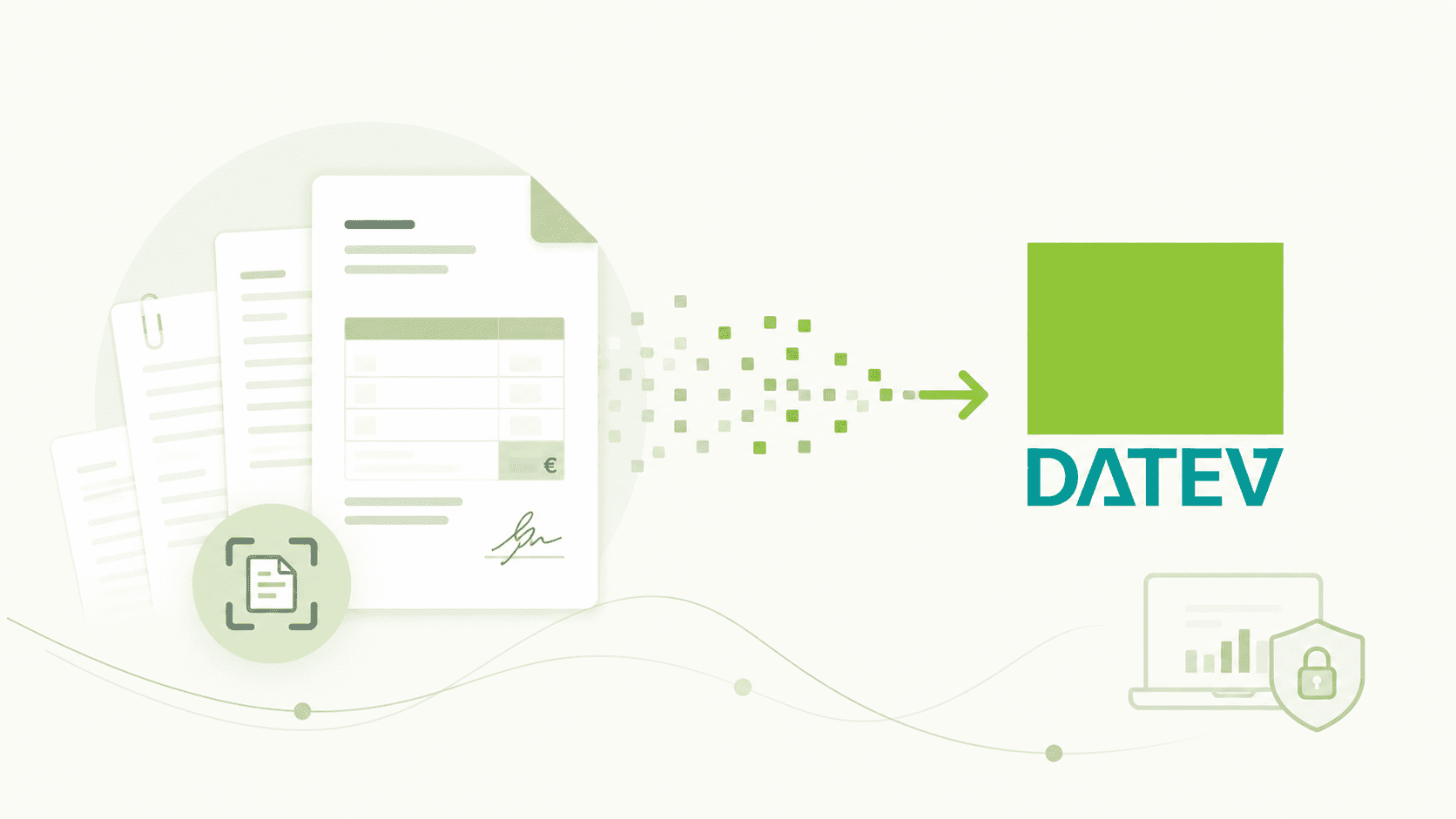
A DATEV integration is most effective when the upstream invoice process has already produced clear, validated posting information. Sending extracted fields alone does not resolve missing approvals, unclear accounts, or inconsistent supporting evidence.
The integration design should connect intake, validation, business decisions, document evidence, and the DATEV handoff while keeping responsibilities visible across finance, tax advisors, and technical teams.
1. Define the target DATEV workflow
Clarify which DATEV product and downstream process receives the data, who owns the client configuration, and what a complete handoff contains. Avoid using the word integration as a substitute for a defined operating model.
- Document the receiving DATEV environment and responsible parties
- Agree required fields, attachments, and booking references
- Define when a case is ready for transfer
2. Prepare posting intent before transfer
The upstream workflow should resolve supplier identity, invoice facts, account assignment, tax treatment, cost objects, and approvals to the level required by the receiving process.
- Validate mandatory fields and formats
- Attach the reason for manual overrides
- Keep unresolved cases out of the posting-ready queue
3. Preserve document and decision evidence
A useful audit trail connects the original invoice, extracted data, validation results, approvals, changes, and transfer status. Evidence should remain understandable without reconstructing email conversations.
- Retain the original source and receipt time
- Record who approved or corrected each decision
- Link the transferred document to its workflow case
4. Handle errors and corrections explicitly
Interfaces can reject data, credentials can expire, and accounting decisions can change. Define how failures are surfaced, who corrects them, and how a retry avoids creating a duplicate.
- Separate technical errors from accounting exceptions
- Make failed transfers visible with actionable details
- Test correction, retry, cancellation, and duplicate scenarios
5. Coordinate finance and tax-advisor responsibilities
Where an external tax advisor is involved, agree which decisions remain with the company and which checks occur after transfer. Shared responsibilities must be explicit to prevent parallel work.
- Define approval and correction ownership
- Agree a feedback path for rejected or changed postings
- Use recurring corrections to improve upstream rules
DATEV integration implementation checklist
Confirm the operating model before connecting the systems.
Frequently asked questions
Is a data export the same as an integrated invoice workflow?
No. An export moves data. An integrated workflow also defines validation, approvals, error handling, evidence, status reconciliation, and ownership around that transfer.
Where should account assignment be decided?
It should be prepared before transfer using the company's rules and context, then validated within the agreed DATEV and advisor process.
How can duplicate transfers be avoided?
Use stable case identifiers, record transfer status, make retries controlled, and reconcile acknowledgements or resulting records with the originating workflow.
Design the process before the interface
Start by defining what a posting-ready invoice means for your company and DATEV setup. Once decisions, evidence, errors, and owners are explicit, the technical handoff becomes safer and easier to scale.
Related reading

"DATEV-Compatible" vs. "Official Schnittstellen-Anbieter": What the Difference Means in Practice
Both terms describe valid ways of working with DATEV, but they differ in how the connection is governed and validated. Learn what sets them apart.
Read article →
Where Posting Logic Actually Lives (Before Invoices Reach DATEV)
Discover where posting logic actually resides before invoices reach DATEV. Understanding the decision complexity that drives finance workload.
Read article →
From Invoice PDF to Posting Intent: A 6-Step Model
Learn the 6-step model for processing invoices from PDF to posting intent. Understand how finance teams handle document workflows efficiently.
Read article →