
Automating SAP Invoice Processing: A Workflow Guide
Learn how to design SAP-connected invoice automation across capture, validation, approvals, exception handling, and controlled posting.


SAP already holds much of the context required for invoice decisions: vendors, purchase orders, goods receipts, cost objects, and posting structures. The challenge is bringing that context together with incoming documents and human approvals.
A sound automation design keeps SAP authoritative while using a workflow layer to capture invoices, validate business rules, coordinate exceptions, and prepare a transparent posting handoff.
1. Define the boundary around SAP
List which data the workflow reads, which decisions it prepares, and which records SAP creates. This prevents duplicated master data and unclear ownership.
- Keep vendor, PO, receipt, and accounting data authoritative in SAP
- Define when data is refreshed and how stale data is handled
- Separate document storage from posting responsibility
2. Classify invoices before applying logic
PO invoices, service invoices, recurring invoices, credit notes, and non-PO invoices require different checks. Classification should determine the next workflow rather than applying one generic rule set.
- Identify company code and supplier early
- Determine whether a valid PO reference exists
- Route credit notes and intercompany cases explicitly
3. Validate against SAP business context
Combine extracted invoice data with line-level orders, receipts, tax indicators, and account assignments. A useful result explains both the match and the discrepancy.
- Compare quantity, unit price, currency, and tax
- Check account assignment and cost-object availability
- Distinguish a timing issue from a commercial difference
4. Design controlled exception and approval paths
Automated approval should apply only when the required conditions are explicit. Other cases need clear ownership, evidence, and a recorded decision that can be traced back to the invoice.
- Align approval paths with company code and responsibility
- Set tolerances by documented business rule
- Return rejected or corrected cases without losing history
5. Test the posting handoff and recovery path
A successful workflow must handle more than the happy path. Test unavailable interfaces, validation errors, changed master data, reversals, and duplicate attempts before production rollout.
- Use idempotent handoff logic where possible
- Expose failed postings with actionable error context
- Reconcile workflow status with SAP document status
SAP invoice automation implementation checklist
Use this checklist to align finance, SAP ownership, and workflow implementation.
Frequently asked questions
Does SAP invoice automation mean posting without human review?
Not necessarily. Routine cases can follow defined rules, while exceptions and higher-risk cases retain approval steps based on the company's control model.
Should invoice documents be stored in SAP?
That depends on the existing architecture and retention model. The key requirement is a reliable link between the source document, workflow decision, and SAP posting.
What should be tested before go-live?
Test representative normal cases plus duplicates, credit notes, missing receipts, master-data changes, interface failures, rejected postings, and recovery.
Keep SAP authoritative and decisions transparent
Begin with a clearly bounded invoice category and define the data, controls, exceptions, and recovery path around it. This creates a dependable pattern that can later be extended across entities and invoice types.
Related reading

Where Posting Logic Actually Lives (Before Invoices Reach DATEV)
Discover where posting logic actually resides before invoices reach DATEV. Understanding the decision complexity that drives finance workload.
Read article →
From Invoice PDF to Posting Intent: A 6-Step Model
Learn the 6-step model for processing invoices from PDF to posting intent. Understand how finance teams handle document workflows efficiently.
Read article →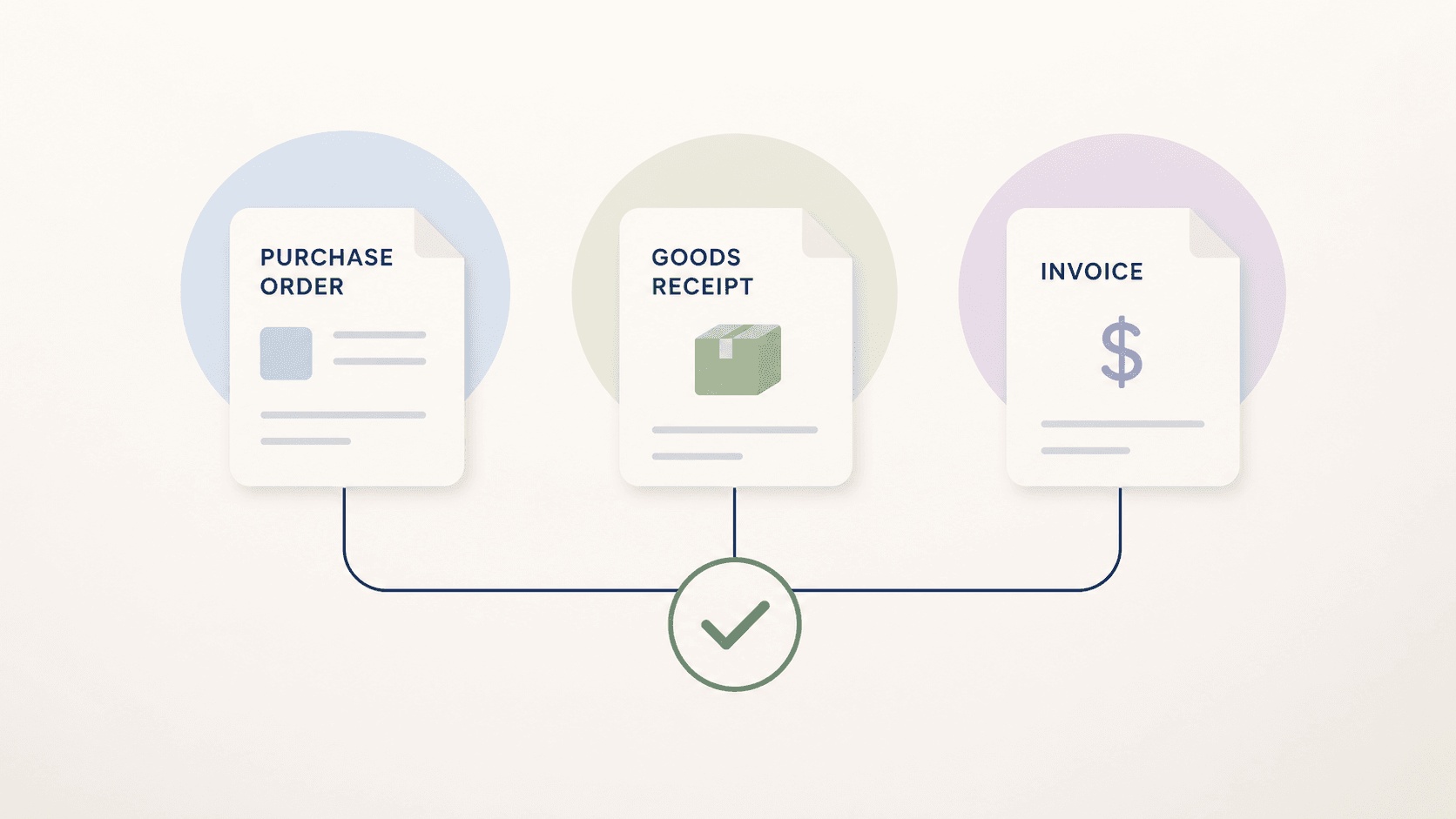
Three-Way Matching: Invoice, Purchase Order and Goods Receipt
Learn how three-way matching connects invoices, purchase orders, and goods receipts, including tolerances, exceptions, and implementation steps.
Read article →