
Three-Way Matching: Invoice, Purchase Order and Goods Receipt
Learn how three-way matching connects invoices, purchase orders, and goods receipts, including tolerances, exceptions, and implementation steps.

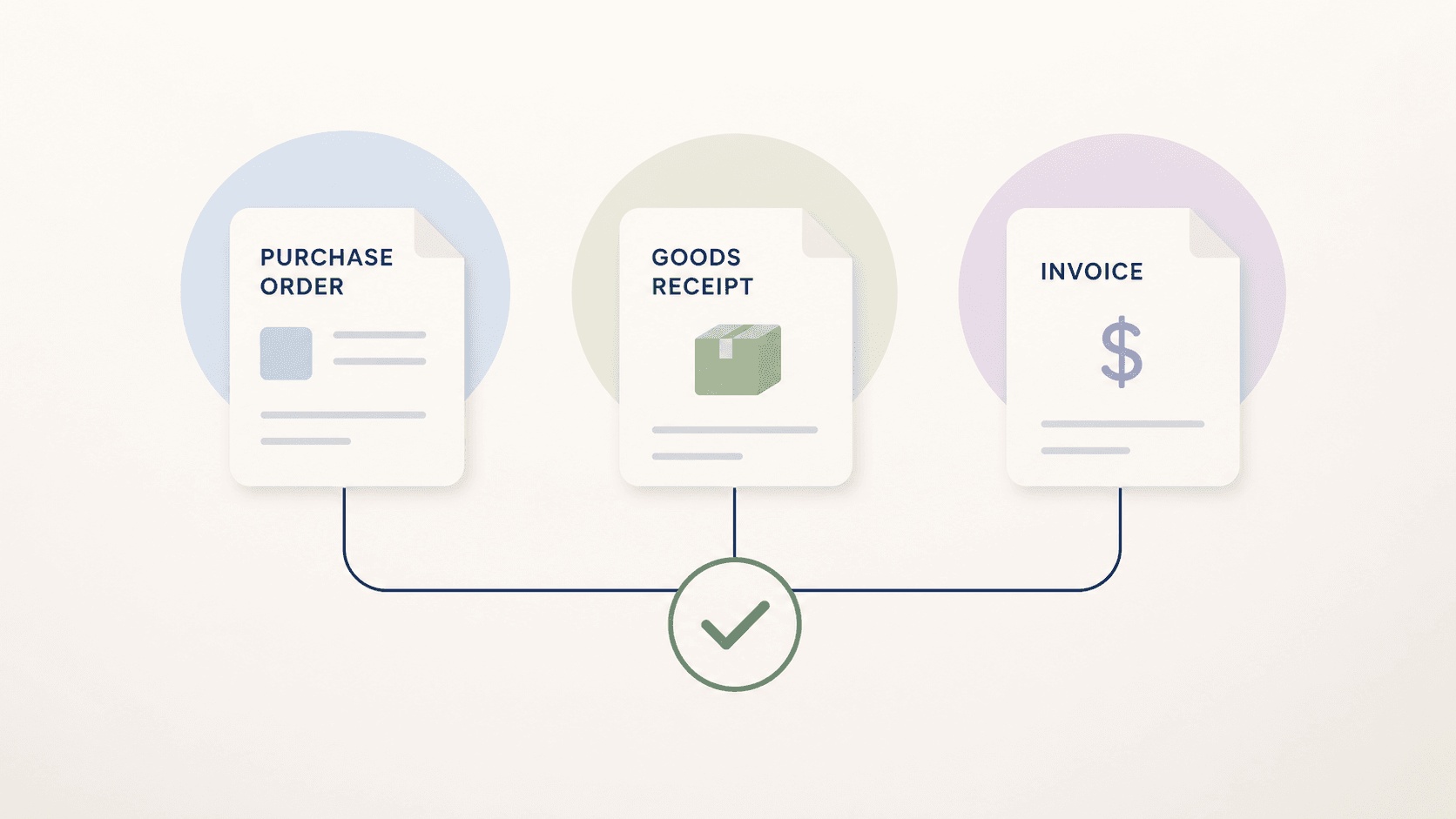
Three-way matching compares what was ordered, what was received, and what was invoiced. The principle is simple; the operational reality includes partial deliveries, unit differences, freight, price changes, and timing gaps.
A useful matching process makes those differences visible, applies controlled tolerances, and routes only the cases that require a business decision.
1. Establish the three document roles
The purchase order represents the commercial commitment, the goods receipt records fulfillment, and the invoice requests payment. Each source must be available at the level required for comparison.
- Use stable order and line identifiers
- Retain units, currencies, taxes, and delivery references
- Define which source is authoritative for each field
2. Match at line level where decisions happen
Header totals can hide offsetting differences. Line-level matching shows whether the discrepancy comes from quantity, price, tax, freight, or an unmatched item.
- Normalize units and number formats before comparison
- Support one invoice line mapping to multiple receipts
- Keep unmatched charges visible rather than forcing a match
3. Define tolerances by risk
A tolerance should express an approved business rule, not merely hide noise. Use absolute and percentage thresholds where appropriate and assign an owner who reviews whether each rule remains valid.
- Separate price and quantity tolerances
- Consider supplier, item group, and cumulative value
- Record why a difference was accepted automatically
4. Route timing issues differently from disputes
An invoice that arrives before the goods receipt needs a different response from an invoice with an incorrect price. Classifying the reason prevents finance from chasing every mismatch manually.
- Wait or recheck when receipt timing is the only issue
- Send commercial differences to purchasing
- Send receiving discrepancies to the responsible location
5. Learn from resolved exceptions
Every correction can reveal a missing rule, data-quality issue, or supplier pattern. Review recurring exceptions and update the process deliberately rather than adding uncontrolled one-off logic.
- Track exception categories and resolution time
- Identify suppliers or items causing repeated differences
- Review tolerance changes with finance and purchasing
Three-way matching implementation checklist
Use this checklist to prepare a controlled matching workflow.
Frequently asked questions
What if an invoice arrives before the goods receipt?
The workflow can hold or recheck the case for a defined period, then route it if the expected receipt still does not appear.
Should every mismatch block payment?
No. Documented tolerances can allow low-risk differences, while material or unusual discrepancies require review.
Can services use three-way matching?
Yes, when a service entry or another approved evidence source plays the role of the goods receipt and the acceptance process is clearly defined.
Use matching to focus human attention
Begin with one ordered-spend category, verify line-level data quality, and define the most common exceptions. The objective is not a perfect match rate; it is a controlled process that explains differences and sends them to the right owner.
Related reading

Invoice Automation for Machine Manufacturing
How machine manufacturers can automate supplier invoice processing, purchase-order matching, goods-receipt checks, exceptions, and ERP handoffs.
Read article →
The 20% of Invoices That Steal 80% of Your Time
Most invoices follow a clean path. But around 20% — the edge cases — consume the majority of processing time. Learn why and how to handle them.
Read article →
From Invoice PDF to Posting Intent: A 6-Step Model
Learn the 6-step model for processing invoices from PDF to posting intent. Understand how finance teams handle document workflows efficiently.
Read article →