
Invoice Automation for Machine Manufacturing
How machine manufacturers can automate supplier invoice processing, purchase-order matching, goods-receipt checks, exceptions, and ERP handoffs.


Machine manufacturers process invoices that reflect complex purchasing and production reality: partial deliveries, project orders, changing quantities, freight charges, tooling, and goods receipts recorded at different times.
Automation must connect finance with purchasing, receiving, and project context. Reading invoice fields is useful, but the main value comes from identifying which cases match and explaining why the remaining cases need attention.
1. Start with the purchasing structure
Separate order-based invoices, service invoices, project costs, and non-PO spend. Each category needs different evidence and approval logic.
Capture how framework orders, call-offs, and project references appear in the ERP and on supplier documents.
- Map purchase-order and line-item identifiers
- Document project, machine, and cost-center references
- Identify invoices that legitimately arrive without a PO
2. Connect invoices to goods receipts
A missing goods receipt does not automatically mean the invoice is wrong. Material may be in quality inspection, partially received, or booked under a different reference. The workflow should expose that status rather than sending a generic rejection.
- Distinguish missing, partial, and reversed receipts
- Show the responsible plant or receiving location
- Route discrepancies to purchasing or receiving with context
3. Define tolerances for real production cases
Exact matching is too rigid for many manufacturing flows, while broad tolerances hide material differences. Define thresholds by supplier, item group, currency, or difference type and retain the reason for every accepted deviation.
- Separate price, quantity, freight, and tax deviations
- Use approval limits aligned with responsibility
- Escalate cumulative differences where individual lines look small
4. Treat exceptions as named workflows
Common exceptions should not land in an undifferentiated inbox. A price variance, missing receipt, duplicate invoice, and project-allocation question require different owners and evidence.
- Create a small, stable exception taxonomy
- Attach the PO, receipt, and previous decision to the task
- Feed resolved corrections back into future routing
5. Integrate without weakening controls
The target ERP remains authoritative for orders, receipts, vendors, and postings. The automation layer should read the required context, prepare a transparent decision, and hand back controlled posting data with an audit trail.
- Define read and write responsibilities per system
- Validate master-data changes separately from invoice decisions
- Test reversals, credit notes, and failed handoffs
Implementation checklist for machine manufacturers
Validate these points before starting a production rollout.
Frequently asked questions
Can invoice automation handle partial deliveries?
Yes, if the workflow receives line-level order and receipt data and distinguishes an expected open quantity from a genuine mismatch.
What happens when the goods receipt is missing?
The invoice should be routed to the responsible receiving or purchasing owner with the order and delivery context, rather than entering a generic finance queue.
Can different plants use different tolerance rules?
They can, but the differences should be explicit, owned, and documented so the process stays understandable and auditable.
Build around production reality
The strongest starting point is a high-volume supplier or plant where PO and receipt data are available. Use its real exceptions to design the matching and routing model before scaling.
Related reading
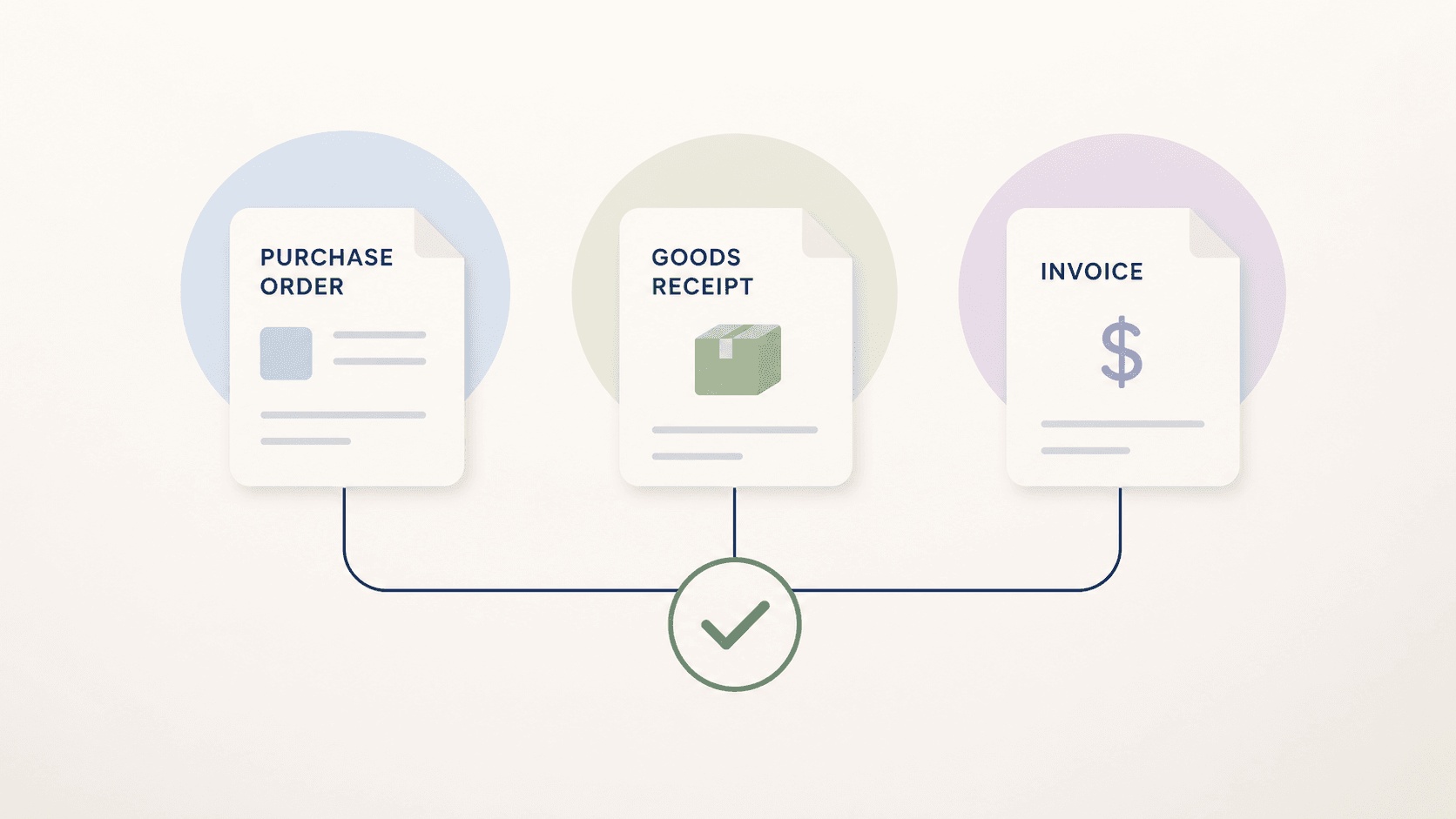
Three-Way Matching: Invoice, Purchase Order and Goods Receipt
Learn how three-way matching connects invoices, purchase orders, and goods receipts, including tolerances, exceptions, and implementation steps.
Read article →
The 20% of Invoices That Steal 80% of Your Time
Most invoices follow a clean path. But around 20% — the edge cases — consume the majority of processing time. Learn why and how to handle them.
Read article →
From Invoice PDF to Posting Intent: A 6-Step Model
Learn the 6-step model for processing invoices from PDF to posting intent. Understand how finance teams handle document workflows efficiently.
Read article →