
Document Automation for Logistics Companies
A practical guide to connecting freight documents, delivery notes, purchase orders, invoices, and exception workflows in logistics operations.

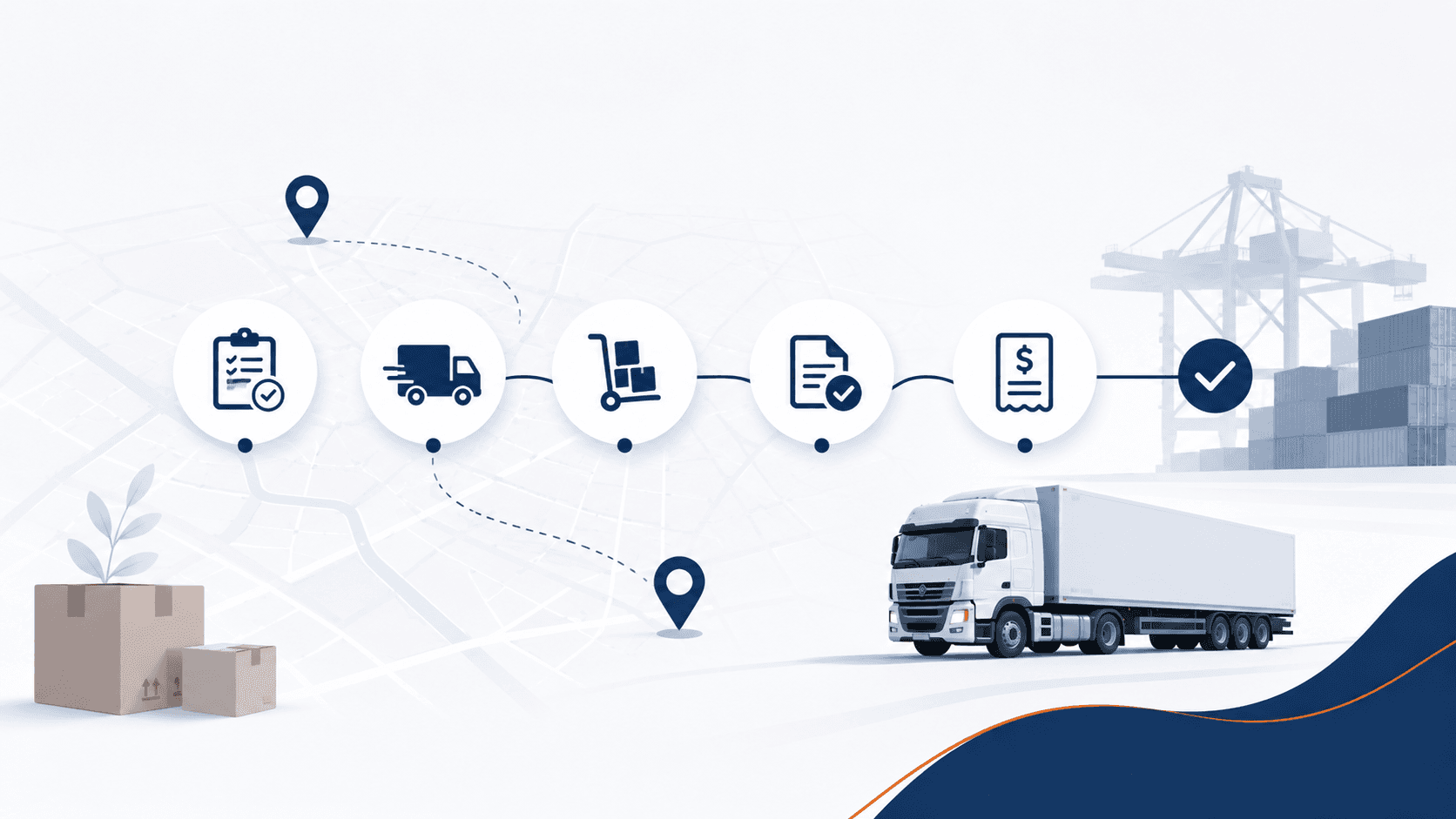
Logistics processes create document chains across orders, transport instructions, delivery notes, proofs of delivery, freight invoices, and customer billing. The information is related, but it often arrives through different systems and channels.
Document automation is most useful when it connects that chain, highlights missing evidence, and sends operational exceptions to the right team before they become finance corrections or customer disputes.
1. Map each transport document to the business event
Define which document proves which event: an order authorizes work, a delivery note describes goods, and a proof of delivery confirms completion. Avoid treating all PDFs as equivalent inputs.
- Identify shipment, order, vehicle, route, and customer keys
- Record required evidence by service type
- Define when a document chain is complete
2. Create a reliable intake across channels
Documents may arrive by email, portal, scan, mobile upload, EDI, or API. A central process should retain the source while normalizing naming, classification, and status.
- Detect duplicates and revised documents
- Separate supplier invoices from operational evidence
- Flag missing or unreadable pages at intake
3. Reconcile freight charges with agreed terms
A freight invoice may depend on route, weight, surcharge, waiting time, or an agreed rate card. Matching should surface which term produced the expected amount and which component differs.
- Connect charge lines to contracts or transport orders
- Separate expected surcharges from unexplained additions
- Retain the calculation behind accepted differences
4. Route operational exceptions before posting
Finance cannot resolve every missing proof of delivery or disputed wait-time charge. Route each issue to the operational owner who can verify it, while keeping the invoice and supporting documents together.
- Assign owners by branch, route, customer, or service
- Use clear statuses and escalation times
- Return the resolution to finance without email reconstruction
5. Expand from one document chain
Start with one repeatable flow such as carrier invoices for a defined business unit. Measure missing-document frequency, manual touches, dispute reasons, and cycle time before adding more document types.
- Choose a flow with accessible reference data
- Test revised documents and late evidence
- Add customer-side billing documents only after the first chain is stable
Implementation checklist for logistics teams
Confirm that the document chain and its owners are clear.
Frequently asked questions
Does logistics document automation require every system to be replaced?
No. A workflow can connect existing transport, document, and finance systems while preserving their roles and public interfaces.
Can the process handle documents received after the invoice?
Yes. The workflow should keep the case open, link later evidence to it, and trigger the next decision when the required document arrives.
Where should a freight-charge dispute be resolved?
It should reach the operational or commercial owner with the transport order, agreed terms, invoice line, and available delivery evidence attached.
Connect the chain before automating decisions
Select one transport flow and define the evidence, identifiers, rates, and exception owners it needs. Once that chain is visible, automation can remove repetitive checks without hiding operational risk.
Related reading

The 20% of Invoices That Steal 80% of Your Time
Most invoices follow a clean path. But around 20% — the edge cases — consume the majority of processing time. Learn why and how to handle them.
Read article →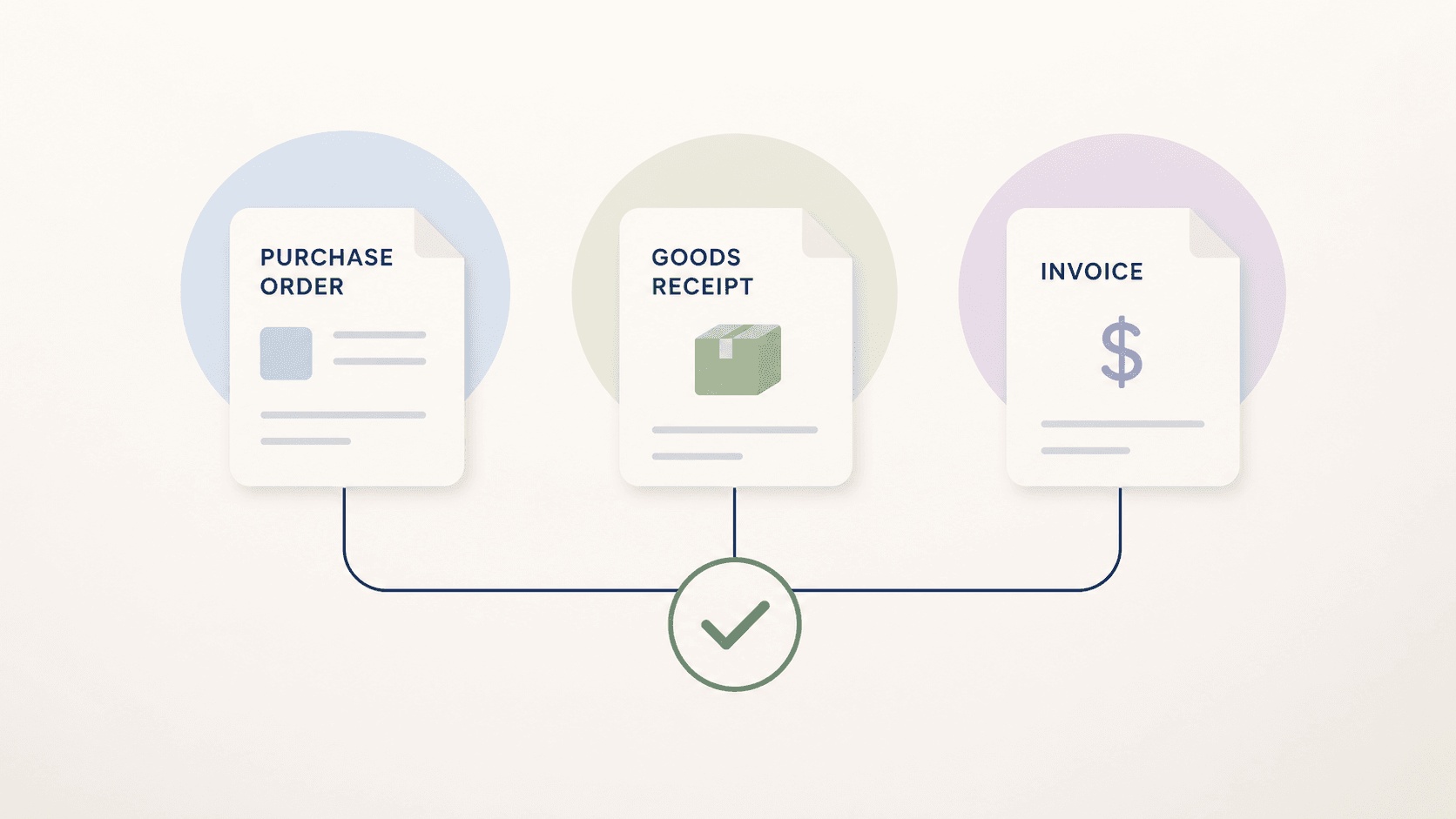
Three-Way Matching: Invoice, Purchase Order and Goods Receipt
Learn how three-way matching connects invoices, purchase orders, and goods receipts, including tolerances, exceptions, and implementation steps.
Read article →
From Invoice PDF to Posting Intent: A 6-Step Model
Learn the 6-step model for processing invoices from PDF to posting intent. Understand how finance teams handle document workflows efficiently.
Read article →